

GTA VI’s console launch does not itself provide a PC release date. As checked on 19 November 2026, Rockstar’s official launch page lists PlayStation 5 and Xbox Series X|S. That page does not list a PC launch date.
This is a specific statement about Rockstar’s published launch information. It is not a prediction about whether a PC version will arrive later or how long that might take. For anyone deciding whether to wait, that difference is more useful than a confident-looking countdown without a source.
What counts as confirmation?
A release-date claim should lead to a primary announcement that explicitly names the platform and date. Start with Rockstar’s own product page and Newswire. Read the announcement itself, rather than stopping at a cropped social-media post describing it.
Check whether the date refers to the console game, another edition or the platform you actually use. A post can quote a genuine date while attaching it to the wrong claim. If an article reports an announcement, it should let you reach the original without a long chain of other articles.
Keep predictions separate from published plans
A theory can be interesting without being a buying timetable. Someone estimating a future PC launch may have a plausible argument, but the estimate is still different from a date the publisher has announced.
The same applies to hardware requirements. Without an official PC specification for the version being discussed, a list of recommended graphics cards is an estimate. It should not become the sole reason to replace a working computer or buy parts earlier than you otherwise would.
Official footage does not prove a PC build
A video title, keyboard-shaped overlay or desktop wallpaper can make a clip look like a PC demonstration. Ask where the footage originally came from and whether its source identifies the platform. Presentation alone cannot establish that a public PC version exists.
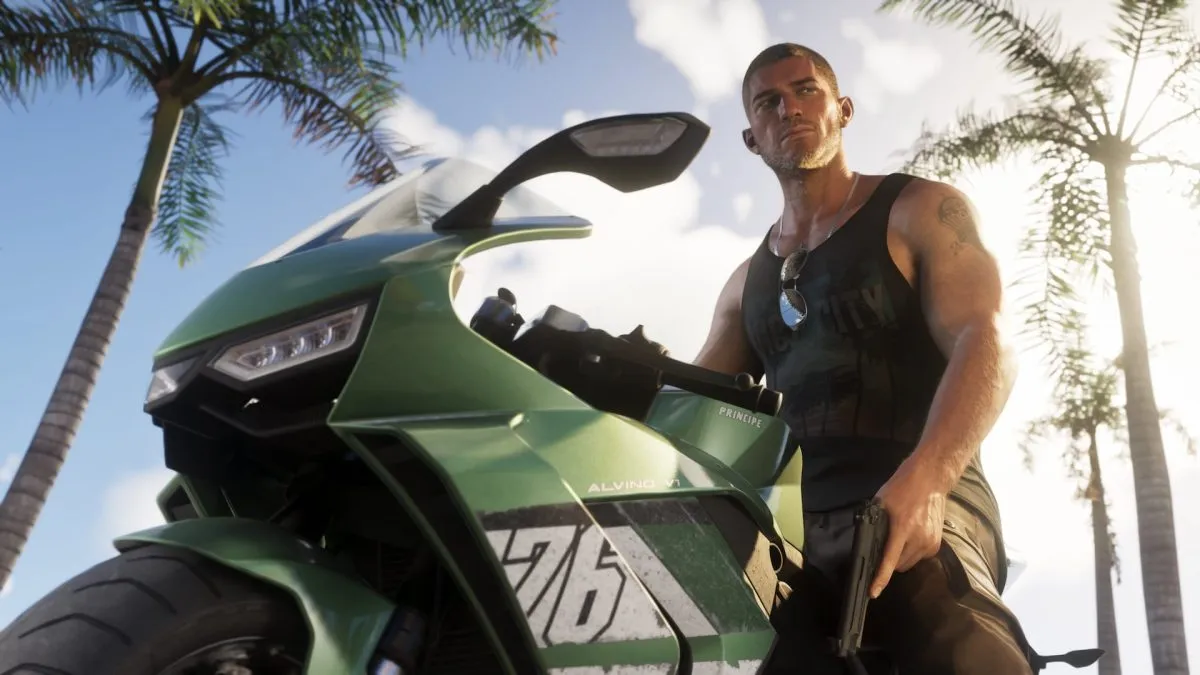
The image accompanying this article is an official GTA VI promotional screenshot. It illustrates the game, but it does not demonstrate a PC version. Apply the same distinction when looking at thumbnails elsewhere: real game imagery can still accompany an unsupported claim.
Be careful with download promises
If a page advertises an installer, first establish that the publisher has actually offered that platform version through an official distribution channel. A familiar logo and a large download button are not evidence. Do not disable security software or hand over an account password to unlock an unverified file.
For the same reason, avoid paying a stranger for supposed early access based on screenshots alone. Go directly to the publisher or platform store to verify the product and the seller.
A useful plan while waiting for news
Bookmark the official site and check major announcements there. If PC is your preferred platform, keep your purchase and upgrade plans tied to information that explicitly applies to PC. Once a platform announcement provides dates and requirements, you can make a decision using details that match the version you intend to play.
Image: Rockstar Games. Grand Theft Auto VI. Official image source. All rights reserved.


