

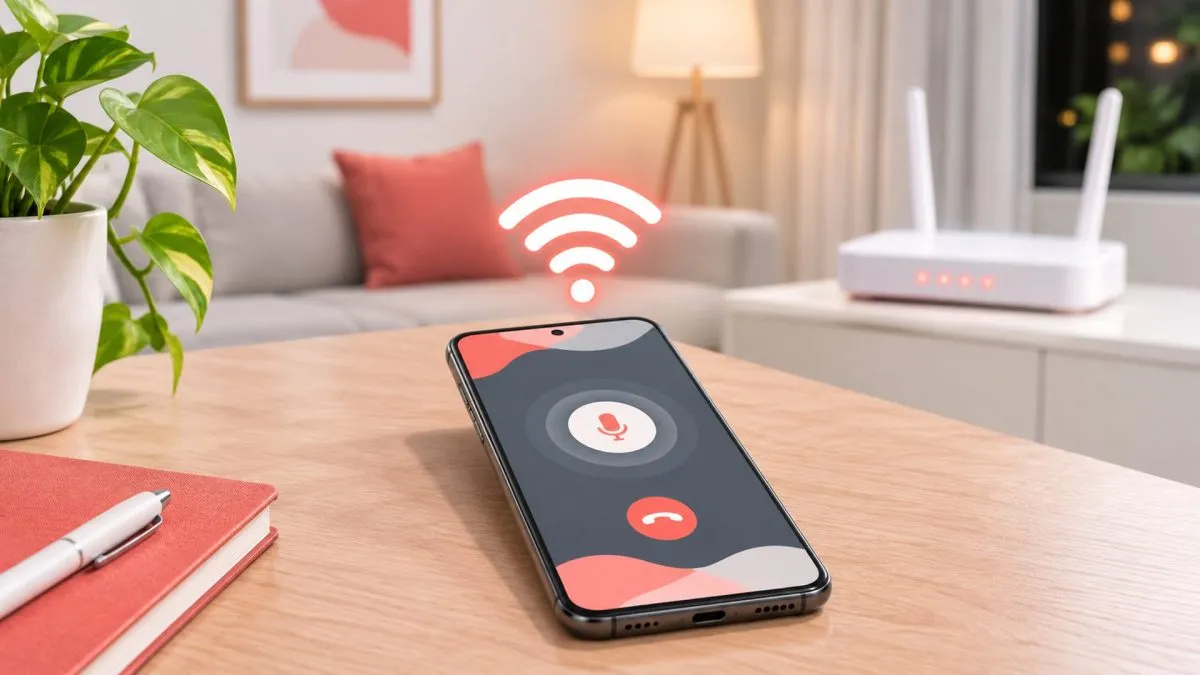
Concrete walls, basements and high-rise flats are notorious for weak mobile signal in Indian cities. Wi-Fi calling (also called VoWiFi) lets your phone make and receive normal calls over your home or office Wi-Fi when the mobile signal is poor. You keep your regular number and the call costs nothing extra.
What you need
- A phone that supports Wi-Fi calling (most phones from the last few years do).
- A Jio, Airtel or Vi connection — all three support Wi-Fi calling.
- A stable Wi-Fi connection from any broadband provider.
Android
- Open Settings → Network & internet / Connections → SIMs (wording varies by brand).
- Choose your SIM and turn on Wi-Fi calling.
- On Samsung, you can also find it in the Phone app → three dots → Settings → Wi-Fi calling.
- Make sure VoLTE is also enabled.
iPhone
- Go to Settings → Mobile Service (or Cellular) → Wi-Fi Calling.
- Turn on Wi-Fi Calling on This iPhone.
When it's working, you'll see "Wi-Fi" or a Wi-Fi call icon next to your operator's name in the status bar.
Not seeing the option?
- Update your phone's software — carrier settings often arrive with system updates.
- Restart the phone after connecting to Wi-Fi.
- Check the operator's website or app for a list of supported phones.
- Dual-SIM phones may support Wi-Fi calling on one SIM slot only.
Good to know
- Calls are free — they're charged like normal calls on your plan (and most plans have unlimited calling).
- Your phone switches automatically between Wi-Fi and mobile network based on signal strength.
- Data usage is small — a voice call uses only a few MB over Wi-Fi.
- Emergency calls may still try the mobile network first.
Still struggling with signal? See our guide on improving weak mobile signal at home.
Frequently asked questions
How do I turn on Wi-Fi calling on Android?
Go to Settings → Network & internet (or Connections) → SIMs, choose your SIM and turn on Wi-Fi calling. Keep VoLTE on as well.
How do I turn on Wi-Fi calling on iPhone?
Go to Settings → Mobile Service (or Cellular) → Wi-Fi Calling and turn on Wi-Fi Calling on This iPhone.
Is Wi-Fi calling free on Jio, Airtel and Vi?
Yes. Calls are charged like normal calls on your plan, and a voice call uses only a few MB of Wi-Fi data.
Why can't I see the Wi-Fi calling option?
Update your phone's software, restart after connecting to Wi-Fi, and check your operator's supported phone list. Some dual-SIM phones support it on one slot only.


