

GTA 6 returns to Vice City within the wider state of Leonida. Rockstar's official material introduces Jason Duval and Lucia Caminos alongside several regions beyond the city. For a first visit, the useful starting point is the publisher's named places, with story spoilers and fan-made map measurements kept out of the way.
This guide uses official character introductions and imagery. It is not a completed-game map, a mission walkthrough or a claim that every location is accessible immediately. Those questions need verification from the released game.
Who are Jason and Lucia?
Rockstar introduces Jason as someone with an Army background who is working around the Keys' criminal economy. Lucia is rebuilding her life after prison and is determined to improve her circumstances. Their partnership sits at the centre of the story setup.
That is enough background to follow the premise without reading a plot summary. If you want to avoid spoilers, be cautious with launch-week videos whose thumbnails or titles reveal later events. Official character profiles are a more controlled introduction than an unlabelled compilation of story scenes.
Six official regions to recognize
Vice City is the urban centre familiar to returning fans. The Leonida Keys provide another named part of the setting. Rockstar also identifies Port Gellhorn, Ambrosia, Grassrivers and Mount Kalaga National Park in its place coverage and screenshot collections.
Use those names as a starting checklist when browsing official material. A collection of screenshots shows the visual range of a world, but it does not establish travel times, total area or when a player reaches each place. Avoid turning a striking landscape into an unsupported gameplay promise.
How to explore without spoiling the story
Follow the game's own opening instructions before trying to reproduce a route from a video. Once the game gives you access to its map and navigation tools, learn how those work in your current version. This is more reliable than assuming that GTA 5's interface and shortcuts carry over unchanged.
For your first sessions, separate story guidance from sightseeing. Search for a location name only when you need it, and add “spoiler-free” to queries where useful. Read a guide's scope before scrolling, because a page labelled as a map can also include mission rewards or late-story information.
What official images can and cannot prove
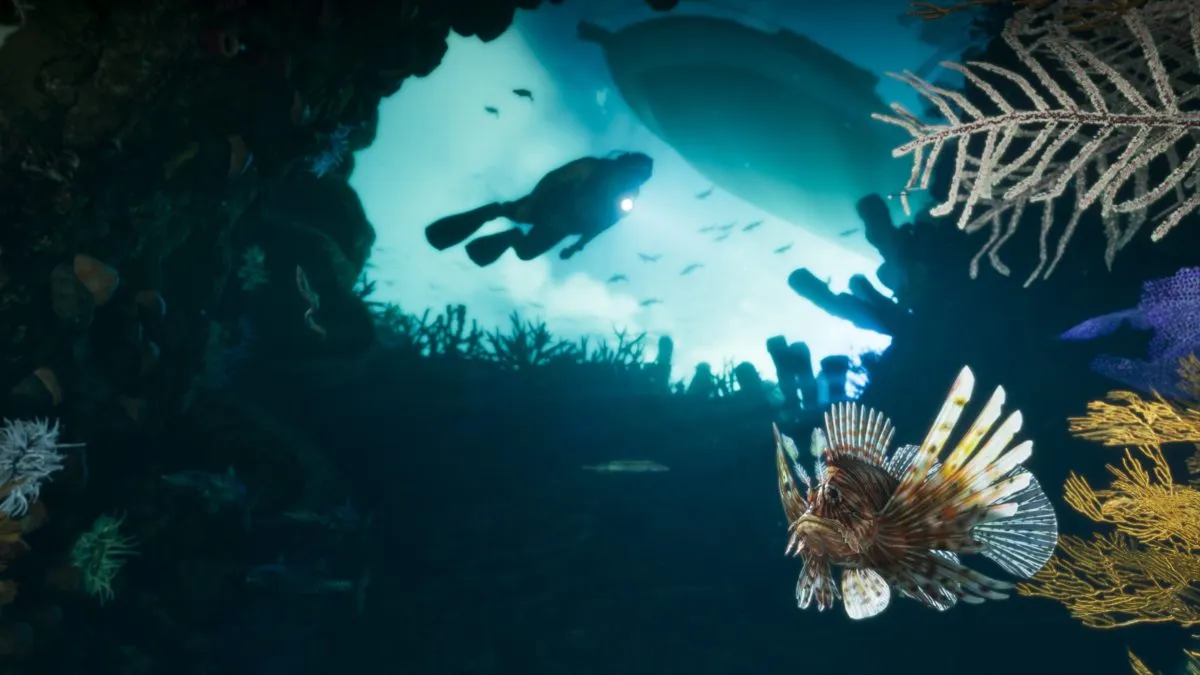
The accompanying image is a genuine Rockstar screenshot from its downloadable media gallery. It represents the game's published imagery, rather than a photograph, an AI-generated scene or a frame captured during our own playthrough.
Official screenshots are useful for recognizing places and visual themes. They are not evidence for a specific frame rate on your console, a benchmark result or a full inventory of gameplay activities. Look for testing that names the hardware and method before making a performance comparison.
A sensible first-visit plan
Begin with the tutorial, keep the story at a pace you enjoy and use official place names to orient yourself. If a guide promises an exact map size or a complete set of secrets, check how it obtained that information. You can learn the shape of Leonida without having its surprises explained in advance.
Sources and related reading
Sources checked 2026-11-19: Rockstar Games: Only in Leonida; Rockstar Games: Grand Theft Auto VI; Rockstar Games: downloadable GTA VI screenshots.
More GTA 6 guides: Can You Play GTA 6 Offline? PS Plus, GTA+ and Online Questions; Can You Play GTA 6 on Android or iPhone? PS Remote Play Explained; GTA 6 on PC: Release Status, System Requirements and What to Avoid; Does GTA 6 Have Hindi? India Language Support and 18+ Rating.
Earlier coverage: GTA 6 India price and pre-load overview. More stories: Gaming on TechnoVibes.
Image credit: Official Grand Theft Auto VI screenshot. Image: Rockstar Games / Take-Two Interactive.


