

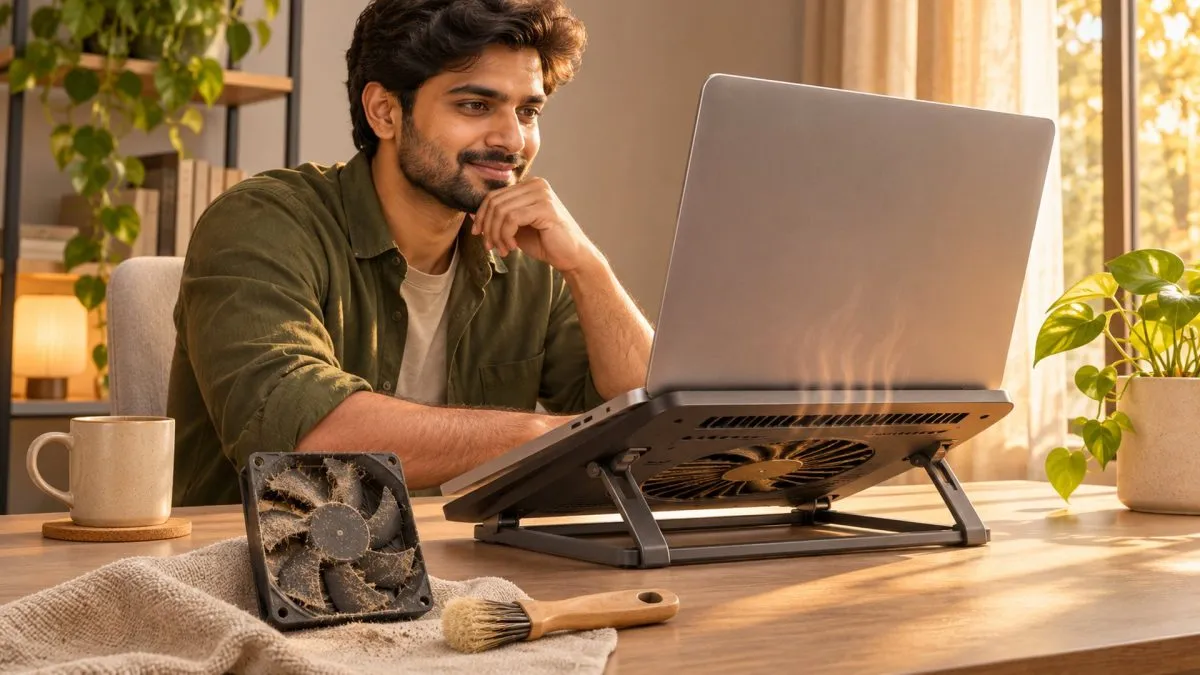
Laptops get warm under load — that's normal. But a keyboard too hot to touch, fans that never stop or sudden slowdowns are signs of overheating. In Indian summers, with room temperatures often above 35°C, the problem gets worse. Here's how to fix it.
Why laptops overheat
- Blocked vents — using the laptop on a bed, sofa or your lap.
- Dust build-up inside the fan and heatsink, especially in dusty cities.
- Dried thermal paste on older laptops (typically 3+ years).
- Heavy background processes — updates, antivirus scans, browser tabs, malware.
- High room temperature with no airflow.
Quick fixes you can do today
- Use a hard, flat surface. Raise the back slightly with a stand for better airflow.
- Check Task Manager (Ctrl + Shift + Esc) for apps using high CPU, and close or uninstall them.
- Switch power mode to "Balanced" instead of "Best performance" for everyday tasks.
- Update Windows, drivers and BIOS — manufacturers often improve fan behaviour in updates.
- Use the brand's utility (Lenovo Vantage, MyASUS, HP Command Center, Dell Optimizer) to select a cooler or quieter thermal mode.
Fixes that need a technician
- Internal cleaning of fans and heatsinks — inexpensive and very effective if the laptop is a couple of years old.
- Thermal paste replacement on older machines.
- Fan replacement if it rattles or doesn't spin.
Use an authorised service centre while under warranty, as opening the laptop yourself can void it.
Do cooling pads help?
A cooling pad can lower temperatures by a few degrees, especially for gaming laptops with bottom intakes. It won't fix a clogged fan, though — clean first, then consider a pad.
When it's urgent
If the laptop shuts down on its own, smells of burning, or the bottom is bulging, stop using it and get it checked. These can signal a failing fan or a swelling battery.
Frequently asked questions
Why does my laptop overheat?
Usually blocked vents, dust in the fan, dried thermal paste on older laptops, heavy background processes or a hot room.
How do I stop my laptop from overheating?
Use it on a hard surface, raise the back for airflow, close high-CPU apps, switch to Balanced power mode and update drivers and BIOS.
Do laptop cooling pads work?
They can lower temperatures by a few degrees but won't fix a clogged fan. Clean the fan first.
When is laptop overheating dangerous?
If it shuts down by itself, smells of burning or the bottom is bulging, stop using it and get it checked.


