

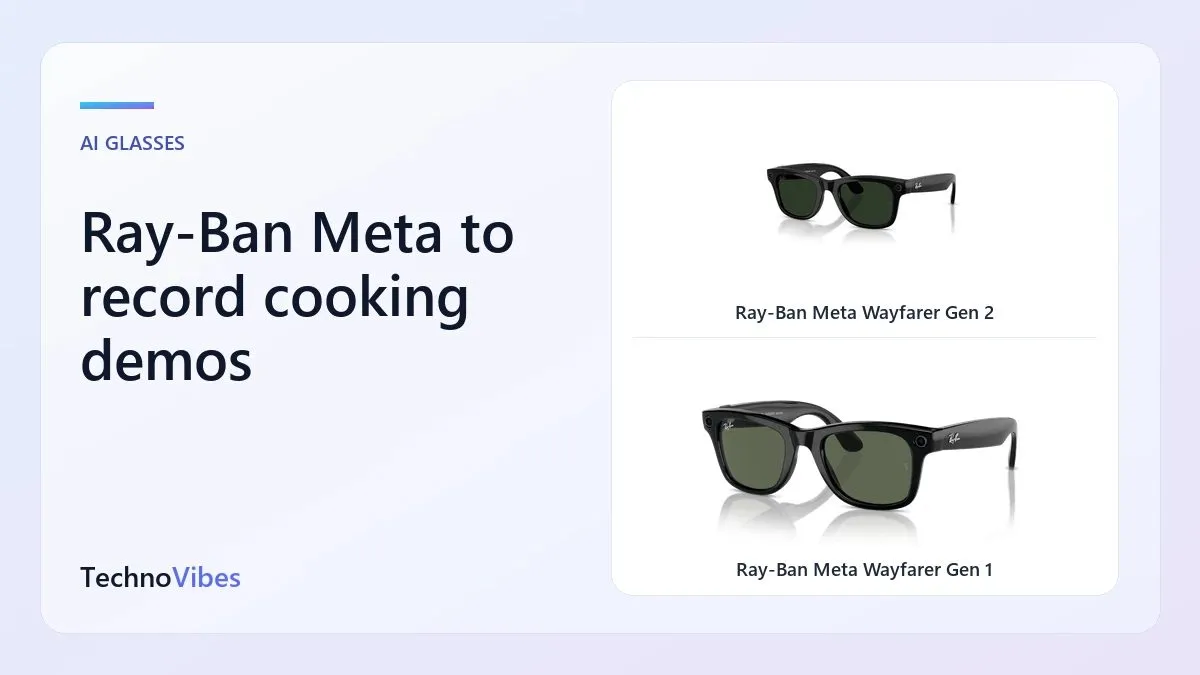
Recipe videos filmed from the cook's point of view are hugely popular on Instagram and YouTube in India: you see the tadka hit the oil, the dough being kneaded and the spice measurements exactly as the cook sees them. Recording this with a phone means a tripod, awkward angles and pausing to tap the screen with flour-covered hands. Ray-Ban Meta glasses let you film hands-free just by looking at what you are doing. Here is how the Gen 2 Wayfarer compares with the Gen 1 Wayfarer for kitchen content.
Quick answer
- Gen 2 for regular cooking creators: 3K video, better HDR for bright windows and dark pans, and longer battery.
- Gen 1 for occasional recipe clips for family WhatsApp groups.
Key differences
| Feature | Gen 1 | Gen 2 |
|---|---|---|
| Video | Up to 1080p | Up to 3K, ultrawide HDR |
| Battery | About half of Gen 2 | Up to 8 hours typical |
| Camera | 12MP | 12MP |
| Hands-free start | Voice or button | Voice or button |
Kitchen-specific tips
Lighting
Indian kitchens often have one bright window and a dim stove area. Gen 2's HDR handles this contrast better. Add a simple LED light above the counter for consistent results with either generation.
Head position
The camera points where your head points, not where your eyes look. Tilt your head down slightly towards the pan, and hold still for a second or two when showing ingredients or measurements.
Steam and heat
Steam from pressure cookers and boiling pots can fog lenses and blur video. Lean back when opening lids. Avoid holding your face directly above hot oil; the glasses are not protective equipment.
Clip length and editing
Record in short clips, one per step, then combine them in an editing app. This also saves battery and makes it easier to fix mistakes.
Lens choice
Clear lenses are best indoors. Sunglass lenses darken the scene for you but do not affect the camera; you would struggle to see what you are cooking.
A real-world example
A home baker running a small Instagram page can record each step of a cake recipe as a short clip, import them to the phone and edit a 60-second Reel the same evening. For a monthly online cooking class of an hour, Gen 2 with a charged case is more practical.
The products
Ray-Ban Meta Wayfarer Gen 2
- Strengths: sharper video, HDR, longer battery.
- Limits: higher price.
Check Ray-Ban Meta Wayfarer Gen 2 price on Amazon India
Ray-Ban Meta Wayfarer Gen 1
- Strengths: lower price, hands-free capture.
- Limits: 1080p, shorter battery.
Check Ray-Ban Meta Wayfarer Gen 1 price on Amazon India
Checklist for kitchen creators
- Order clear lenses for indoor use.
- Clean lenses before each session; grease smudges blur video.
- Plan shots step by step.
- Keep the case charged near the kitchen.
- Back up clips to cloud storage after importing.
Making better recipe content
Hands-free footage is only part of a good cooking video. Viewers want to know quantities and timings, so say them out loud as you work or add text overlays later. Keep the counter tidy and the frame focused on one task at a time; a cluttered counter is distracting in point-of-view shots. Pair glasses footage with a few phone shots of the finished dish, plated in good window light, for the opening and closing frames of your Reel. Variety of angles keeps viewers watching.
Frequently asked questions
Will cooking fumes damage the glasses?
Normal kitchen use is fine, but wipe the frame and lenses regularly, and avoid direct steam and splatter.
Can I add voice-over later?
Yes. Many creators record a cleaner voice-over in an editing app after filming.
Is the field of view wide enough for a whole counter?
The ultra-wide camera captures most of a counter from a normal standing position.
Can I film a whole cooking class for students?
Yes, but split it into segments and charge the glasses between them. For a full hour, Gen 2 with a charged case is the more practical option.
Should I hide the recording light?
No. The LED tells people they are being recorded; covering it is against Meta's terms and unfair to anyone in the frame.


