

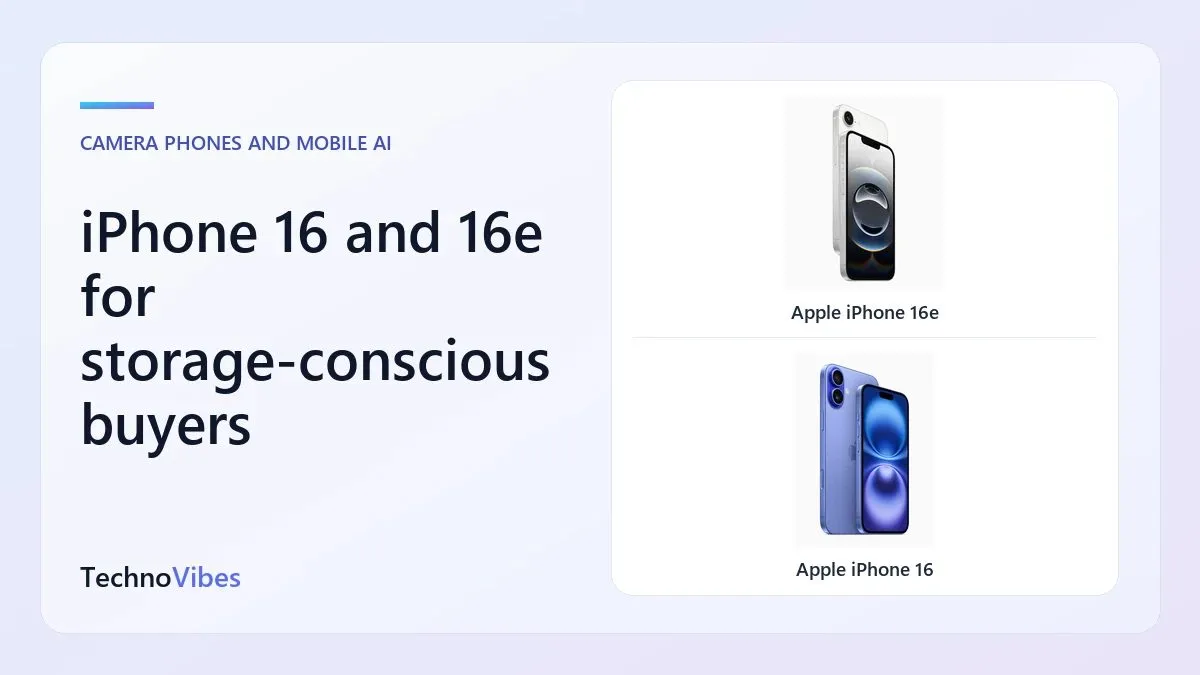
Unlike many Android phones, iPhones have no memory card slot. Whatever storage you buy is what you live with for years. That makes the storage choice on the iPhone 16 or iPhone 16e more important than it looks on the product page, especially in India, where WhatsApp media, 4K video and offline downloads fill phones quickly.
Quick answer
- 128GB: fine if you back up photos to iCloud or Google Photos regularly and rarely shoot 4K video.
- 256GB: the safest choice for most people keeping a phone three years or more.
- 512GB: for heavy video shooters, travellers who cannot back up on the move and anyone who downloads lots of offline content.
Storage options
| Model | Storage options (India) | Notable differences |
|---|---|---|
| iPhone 16 | Starts at 128GB | Adds ultrawide camera, Camera Control, MagSafe |
| iPhone 16e | 128GB, 256GB, 512GB | Single camera, longer rated battery life (up to 26h video) |
What fills an iPhone in India
WhatsApp media
Family groups, office groups and forwarded videos can quietly take 10 to 30GB over a couple of years. Turn off automatic media download for groups in WhatsApp settings to slow this down.
4K video
4K video at higher frame rates uses a lot of space, roughly several hundred megabytes per minute. A wedding or a holiday can easily add tens of gigabytes. Lowering the recording setting to 1080p saves space if you mostly share on social media.
Offline downloads
Netflix, Prime Video and Spotify downloads for flights and train journeys can each take several gigabytes. Games are increasingly large too.
Is iCloud a substitute for storage?
iCloud's free 5GB is too small for most people. Paid iCloud+ plans can store your full photo library and let the phone keep smaller versions locally using "Optimise iPhone Storage". This works well, but you need a reliable internet connection to view original photos and pay a monthly fee. Over three or four years, the cost of a mid-tier iCloud plan can approach the cost of upgrading storage at purchase. Many people find buying 256GB once is simpler.
iPhone 16 or 16e at the same budget?
A common dilemma is a 256GB iPhone 16e versus a 128GB iPhone 16 at a similar price. If you shoot lots of video and rarely back up, the 256GB 16e may serve you better long-term. If you value the ultrawide camera and Camera Control and you are disciplined with backups, the 128GB iPhone 16 can work.
The products
Apple iPhone 16
- Strengths: dual cameras with ultrawide and macro, Camera Control, MagSafe.
- Limits: higher price per gigabyte.
Check iPhone 16 storage options on Amazon India
Apple iPhone 16e
- Strengths: available up to 512GB, best rated battery life, lower price.
- Limits: single rear camera.
Check iPhone 16e storage options on Amazon India
Checklist before you pick a capacity
- Open Settings > General > iPhone Storage on your current phone and note how much you use.
- Add roughly 50 per cent headroom for three years of growth.
- Decide whether you will pay for cloud storage.
- Compare the checkout price of each tier, not only the base model.
Frequently asked questions
Can I add storage later?
No. iPhone storage cannot be upgraded. You can use cloud storage or an external drive with the USB-C port, but that is less convenient.
Does a full iPhone slow down?
When storage is nearly full, updates can fail and the camera may refuse to record. Keep at least 10 per cent free.
Is 128GB enough for a student?
Often yes, if most notes and files are in the cloud and you back up photos regularly.
How to estimate your own needs
Here is a simple way to choose. Look at your current phone's storage screen and note the figures for Photos, WhatsApp and apps. If your total is under 60GB after two years, 128GB with regular backups is workable. If you are between 60 and 120GB, choose 256GB. If you are above that, shoot weddings or travel content, or keep years of videos on the phone, 512GB will avoid constant clean-ups.
Remember that iOS updates and system data also take space, typically several gigabytes, and that free space shrinks the most when you need it, during a holiday or a family event. Buying a size up is one of the few phone decisions that you rarely regret.
Free up space without deleting memories
- Turn on "Optimise iPhone Storage" if you pay for iCloud.
- Back up to Google Photos and remove old videos from the device after confirming they uploaded.
- In WhatsApp, use Manage Storage to delete large forwarded videos.
- Delete offline downloads after trips.


