

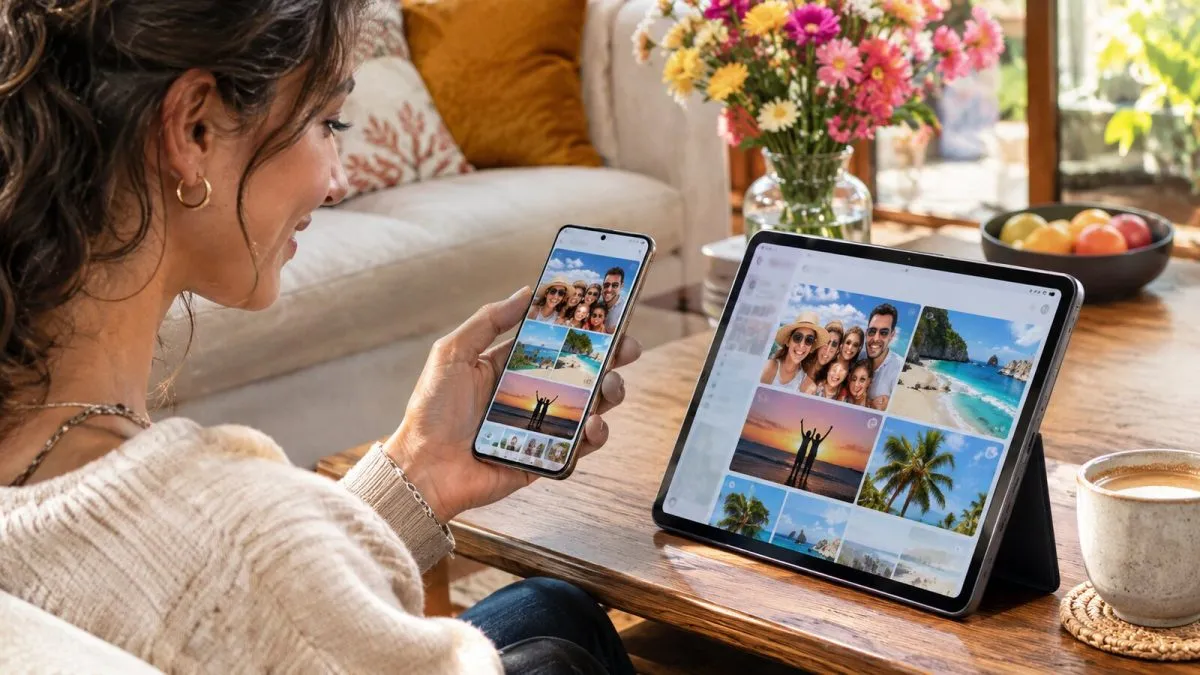
Samsung described Gallery sync with Google storage in a November 10 update. The service lets supported Galaxy devices access photos and videos using the Samsung and Google accounts already set up on the device. The storage is shared with Gmail, Drive and Google Photos, so it is not a separate unlimited Samsung allocation.
What uses your storage allowance
Google accounts include up to 15GB at no cost, shared across the relevant services. A large photo library can therefore compete with mail and other files for the same capacity. A phone showing plenty of local storage can still have a nearly full cloud account.
Samsung says setup is available through the Gallery cloud icon, the tip card or Gallery Settings under Sync photos and videos. Availability depends on the supported device and current software.
Sync and independent backup are different ideas
Sync is designed to keep a library accessible across devices. An independent backup is a separate recoverable copy. Before deleting anything, users should understand how the service handles deletion, account changes and files stored only locally.
Samsung also describes a Free up space on this phone feature after content is synced. It is important to verify that the intended files have actually reached the correct cloud account before using a space-saving action.
A careful setup sequence
Check the signed-in Google account and available storage first. Enable sync, allow uploads to finish and verify a sample of older photos and videos from another supported device or the appropriate account view. Keep an independent copy of irreplaceable material while testing.
Indian Galaxy users should check local eligibility and plan pricing in their own account. The update can make moving between devices more convenient, but understanding the shared storage allowance and recovery behavior is more important than simply switching sync on.
Sources and related reading
Source: Samsung Newsroom, published 10 November 2026.
Related on TechnoVibes:
- How to Organise Google Photos and Drive So You Can Find Things
- Google's Intelligent Eyewear Opens for Preorders
- Android 17 and One UI 9 Arrive on Budget Galaxy Phones in India: Full List and What's New
More coverage: Mobiles.
Image: AI-generated editorial illustration. It depicts a representative scene, not a photograph of the reported event or an exact product reference.


