

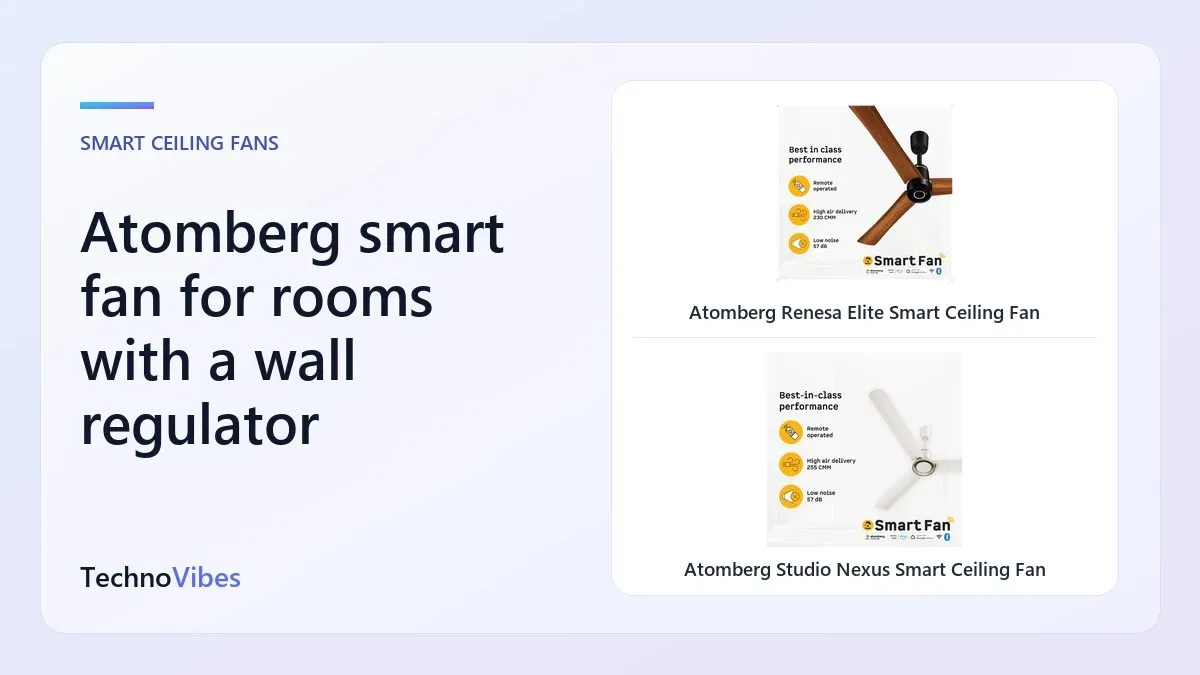
Most older Indian homes have a fan regulator on the switchboard, the round dial or stepped knob that controls speed. BLDC fans such as Atomberg's Renesa Elite Smart and Studio Nexus Smart manage speed electronically through their remote and app, so they should not be connected through a traditional regulator. Here is what that means for installation.
Quick answer
Ask the electrician to bypass or remove the old regulator and connect the fan to a simple on/off switch. Keep the switch on, and control speed with the remote, app or voice.
Key features
| Feature | Renesa Elite Smart | Studio Nexus Smart |
|---|---|---|
| Speed control | Remote, app, voice | Remote, app, voice |
| Wall regulator | Not needed | Not needed |
| Connectivity | Wi-Fi and Bluetooth | Wi-Fi and Bluetooth |
Why regulators and BLDC fans do not mix
Traditional regulators reduce voltage to slow an induction motor. BLDC fans have their own electronic controller that expects a steady supply. Running one through a regulator can cause erratic speeds, humming or damage to the electronics, and may affect warranty.
Installation steps
- Switch off the mains before work begins.
- The electrician removes the regulator or wires it out of the circuit.
- A blanking plate or plain switch replaces the regulator on the board.
- The fan is mounted, connected and paired with the remote and app.
Living with the change
The wall switch
Leave the switch on so the app and remote work. Switching it off cuts power completely, which is fine when leaving home for long periods.
For elderly family members
Some people are used to the regulator dial. Show them the remote and label the speed buttons, or set up voice commands.
Modular switchboards
If you are renovating, ask for a neat blank plate where the regulator was.
A real-world example
A family in Indore replacing an old fan has the electrician remove the regulator, add a plain switch and pair the new Renesa Elite Smart with the app. Grandparents use the remote; the children use Alexa.
The products
Atomberg Renesa Elite Smart
- Strengths: remote and app speed control, efficient.
- Limits: needs regulator removed.
Check Atomberg Renesa Elite Smart price on Amazon India
Atomberg Studio Nexus Smart
- Strengths: same control with design and light.
- Limits: same wiring requirement.
Check Atomberg Studio Nexus Smart price on Amazon India
Who should consider alternatives
If someone at home strongly prefers a wall control, look for BLDC fans with compatible smart wall switches from the same brand.
Dealing with existing smart switches
Some newer homes have touch panels or smart switches with built-in fan regulators. These also should not control a BLDC fan's speed. Set them to simple on/off mode if possible, or ask the electrician to rewire that channel as a plain switch. Mixing two speed controllers causes erratic behaviour.
A note on safety
Always switch off the mains before any wiring work, and use a licensed electrician. Loose connections at the switchboard cause sparking and can damage the fan's electronics. A neat, insulated connection is part of a good installation.
Frequently asked questions
Can I keep the regulator for the light?
No. Regulators are for motor speed. Lights use normal switches.
Will the fan work if the remote battery dies?
Use the app, or replace batteries.
Does bypassing the regulator need rewiring the whole board?
Usually only the fan's circuit is changed.
Is this a DIY job?
Electrical work should be done by a qualified electrician.


