

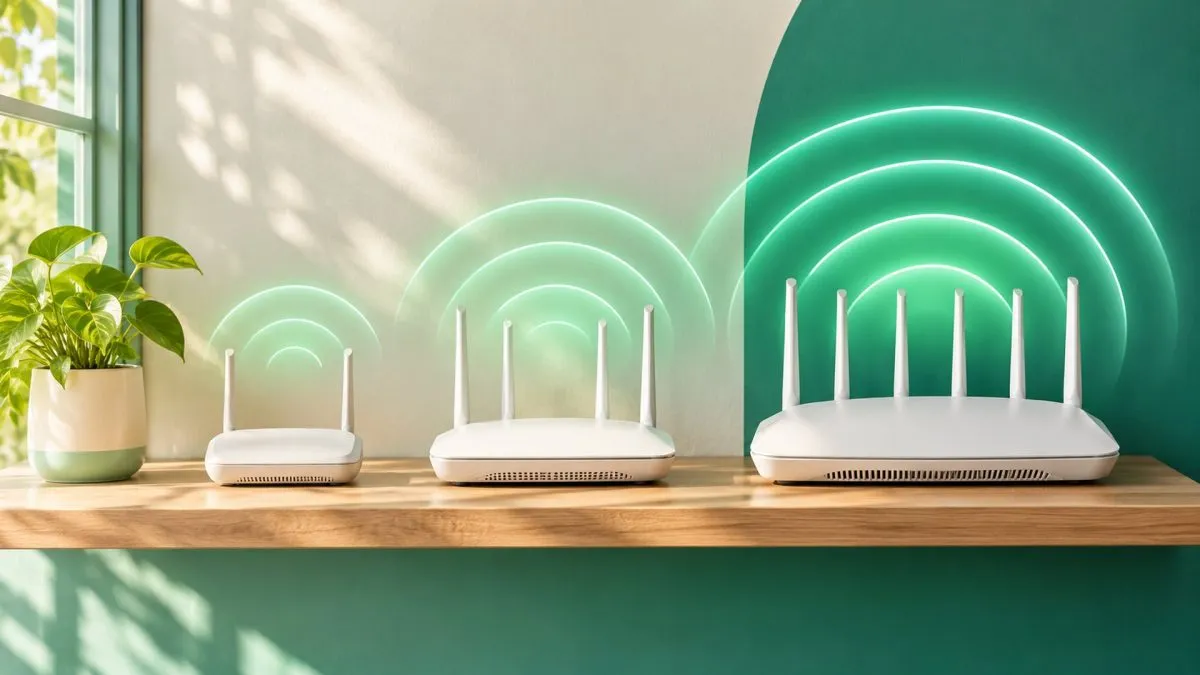
For years, the router your broadband company handed you was "good enough". Now with 300 Mbps to 1 Gbps fibre plans common in Indian cities and more devices per home, the router is often the bottleneck. And in January 2026 the government delicensed the lower 6 GHz band (5925–6425 MHz) for Wi-Fi, which makes Wi-Fi 6E and Wi-Fi 7 relevant in India for the first time.
The three standards in plain language
- Wi-Fi 6 (802.11ax) — works on 2.4 GHz and 5 GHz. Handles many devices efficiently and is the sensible baseline today.
- Wi-Fi 6E — Wi-Fi 6 plus the new 6 GHz band. That band is wide and uncrowded, so speeds are more consistent in apartments full of neighbours' networks.
- Wi-Fi 7 (802.11be) — adds wider channels, faster encoding and Multi-Link Operation (MLO), which lets a device use two bands at once for higher speed and lower lag.
What the 6 GHz opening means for you
The 6 GHz band delivers very high speed over short distances but doesn't pass through walls as well as 2.4 GHz or 5 GHz. In practice, it's excellent in the same room or the next room, and weaker further away. The rules allow low-power use, mainly indoors, which suits home and office Wi-Fi.
To benefit, both the router and your device must support 6E or 7. Many recent flagship and upper mid-range phones and laptops do; older and budget devices usually don't.
Match the router to your broadband plan
- Up to 100–150 Mbps: a good dual-band Wi-Fi 6 router is plenty.
- 300 Mbps to 1 Gbps: Wi-Fi 6 with gigabit ports works, but Wi-Fi 6E or Wi-Fi 7 helps you actually see those speeds on a phone or laptop.
- Above 1 Gbps: look for Wi-Fi 7 and a 2.5 Gbps WAN port — a 1 Gbps port caps everything.
Coverage matters more than the standard
Indian homes with concrete walls are tough on Wi-Fi. If one corner of your house has weak signal, a faster single router won't fix it. Options:
- Mesh Wi-Fi systems — two or three units that create one seamless network. Best for larger flats and multi-floor houses.
- Wired backhaul — if you can run an Ethernet cable between mesh units, performance improves a lot.
- Router placement — keep it central, elevated and away from the kitchen and large metal objects. Not inside a cabinet.
Specs to check on the box
- Gigabit (or faster) ports — avoid routers with 100 Mbps LAN/WAN ports.
- Number of streams (e.g. 2x2, 4x4) — more streams handle more devices.
- WPA3 security and regular firmware updates from the brand.
- Compatibility with your ISP — some fibre connections use the ISP's ONT and need the router set up in the right mode; check with your provider.
So which should you buy?
- Tight budget or basic plan: Wi-Fi 6 dual-band router from a reputed brand.
- New flagship phone/laptop and a fast plan: Wi-Fi 6E or entry Wi-Fi 7.
- Large home: Wi-Fi 6 or Wi-Fi 7 mesh, based on budget.
- Future-proofing for 5+ years: Wi-Fi 7, as prices continue to fall.
Whatever you choose, first check whether the ISP-supplied router is the real limit — run a speed test on a laptop connected by cable, then over Wi-Fi in different rooms. The gap tells you how much a new router can help.
Frequently asked questions
Should I buy a Wi-Fi 6, 6E or 7 router in India?
Wi-Fi 6 is enough for plans up to about 150 Mbps. For 300 Mbps to 1 Gbps and newer devices, 6E or Wi-Fi 7 helps. Above 1 Gbps, choose Wi-Fi 7 with a 2.5 Gbps WAN port.
Is the 6 GHz Wi-Fi band allowed in India?
Yes. In January 2026 the government delicensed the lower 6 GHz band (5925–6425 MHz) for low-power, mainly indoor Wi-Fi use.
Do I need a new phone to use Wi-Fi 6E or 7?
Yes. Both the router and your device must support 6E or 7 to use the 6 GHz band.
How do I fix weak Wi-Fi in one room?
A faster router alone won't fix it. Use a mesh system, run Ethernet between units if possible, and place the router centrally and high.
Also read: Bluetooth Speaker Buying Guide: What Actually Makes One Sound Good · How to Choose a Laptop for College in India: A Practical Guide


