

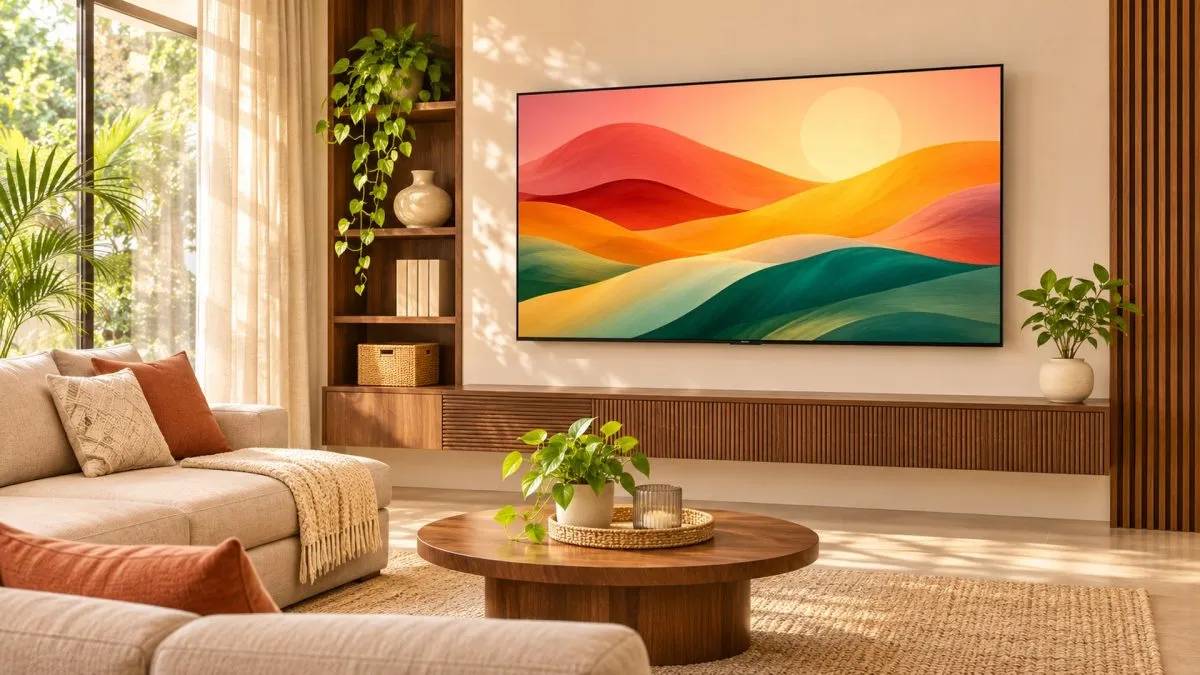
A TV is something you'll use every day for six to eight years, so it's worth getting right. Shop listings shout about "4K", "HDR10+", "AI picture engine" and "Dolby Vision" — but a few factors matter far more than the rest.
1. Choose the right size
For 4K TVs, a simple rule: screen size in inches ≈ viewing distance in feet × 10, give or take.
- 6 feet from the sofa: 55 inches
- 7–8 feet: 65 inches
- Bedroom at 4–5 feet: 43 inches
Most buyers who upgrade wish they had gone one size bigger, not smaller. Measure your wall or stand first.
2. Panel type decides picture quality
- LED (LCD) — the most common and affordable. Fine in bright rooms; blacks look greyish in the dark.
- QLED — an LCD with a quantum-dot layer for richer colours. A good step up, but the backlight still limits contrast.
- Mini-LED — thousands of tiny backlight zones that dim independently. Much better contrast and brightness — great for bright Indian living rooms and HDR content.
- OLED — each pixel lights itself, giving perfect blacks and the best overall picture, especially in dim rooms. Pricier, and not as bright as top Mini-LEDs.
Two TVs both labelled "4K QLED" can differ hugely. The presence of full-array local dimming matters more than the label.
3. Resolution and HDR
4K is standard from 43 inches up. For a 32-inch TV, HD or Full HD is fine. "HDR support" on a cheap TV means little if the panel isn't bright enough to show it — look at reviews that mention peak brightness.
4. Refresh rate for gaming and sports
A true 120Hz panel gives smoother cricket and football and is essential for PS5 or Xbox gaming at 120fps. Watch out for "motion rate 120" or similar labels on 60Hz TVs. Gamers should also look for HDMI 2.1, VRR and ALLM.
5. Pick the smart platform
- Google TV / Android TV — the largest app selection, Chromecast built-in and Google Assistant. Used by many brands.
- webOS (LG) and Tizen (Samsung) — fast, polished interfaces with all the major Indian streaming apps, but slightly smaller app libraries.
- Other brand OSes — fine for basics, but check that the apps you use (JioHotstar, Netflix, Prime Video, SonyLIV, ZEE5, YouTube) are available and updated.
Budget TVs often slow down because of low RAM and storage. Aim for at least 2GB RAM and 16GB storage, or plan to add a streaming stick later.
6. Don't forget sound
Thin TVs have thin sound. If you watch movies or sports with family, budget for a soundbar — even an entry-level one makes dialogue clearer.
7. Warranty and service
Panel failure is expensive. Prefer brands with strong service networks in your city and check whether the panel has a longer warranty. Extended warranty during festive sales can be worth it on large TVs.
Quick picks by budget (what to look for)
- Entry 43–50 inch: 4K LED, Google TV, Dolby Audio, good brand service.
- Mid 55 inch: QLED or entry Mini-LED with local dimming; 120Hz if you game.
- Premium 55–65 inch: OLED for dark rooms and movies; Mini-LED for bright rooms and sports.
Frequently asked questions
What size TV should I buy for my room?
Roughly your viewing distance in feet × 10 gives the screen size in inches — about 55 inches at 6 feet and 65 inches at 7–8 feet.
Which is better: QLED, Mini-LED or OLED?
OLED gives the best picture in dim rooms; Mini-LED is brighter and suits bright living rooms; QLED is a step up from basic LED.
Do I need a 120Hz TV?
Yes for PS5 or Xbox gaming at 120fps and smoother sports. Beware 'motion rate 120' labels on 60Hz panels.
Which smart TV OS is best in India?
Google TV has the largest app selection; webOS and Tizen are fast and polished. Check that your streaming apps are available.
Also read: Bluetooth Speaker Buying Guide: What Actually Makes One Sound Good · How to Choose a Laptop for College in India: A Practical Guide


